Introducing Flip My Space Projects: Batch Upload, Parallel Processing, and Full Mobile Support
We are thrilled to introduce the biggest update to Flip My Space yet! Starting today, virtual staging is no longer about editing one isolated image at a time.
Whether you are staging an entire listing with multiple rooms, managing several properties at once, or just experimenting with different layout ideas, our new release is built to save you time and supercharge your workflow.
Here is a breakdown of the powerful new features now live on Flip My Space.
1. Projects: Your Dedicated Creative Workspaces
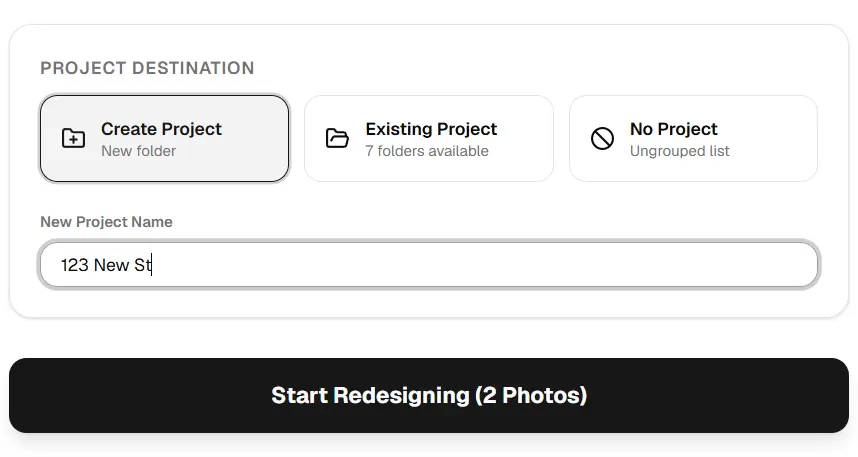
No more loose, disconnected images. You can now organize your uploads by project. Keep every room of "123 Main Street" grouped together, or create separate projects for different design clients. This keeps your dashboard clean and your staging projects perfectly organized.
With the project sidebar, switching between different property files, active uploads, and finished staging designs is fast and frictionless.
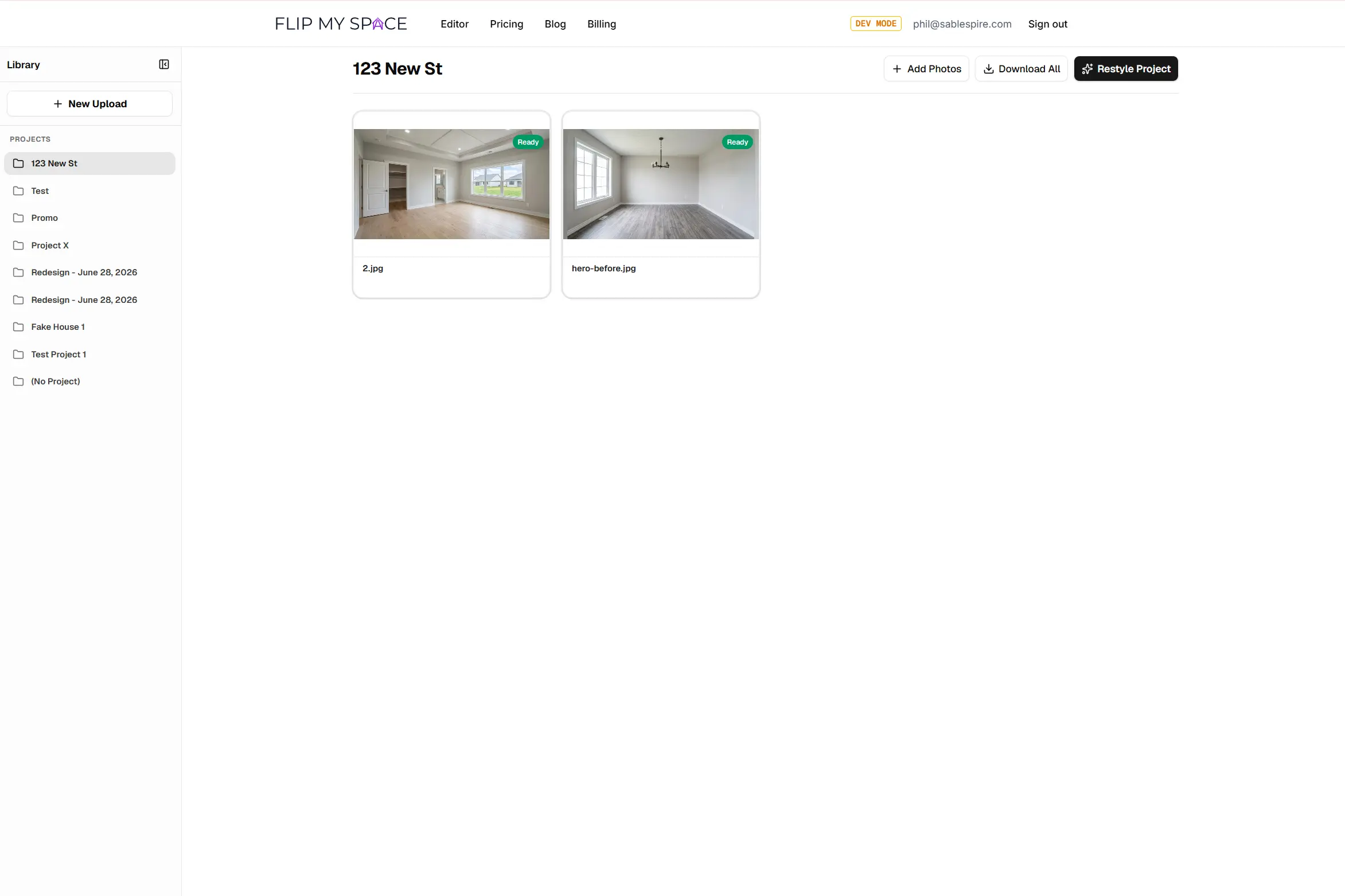
2. Batch Upload: Bring in Your Entire Property at Once
Why upload images one by one when you can queue up the whole house? With our new batch upload feature, you can drag and drop or select multiple photos at once.
To get started, simply open your project and drag in your files:
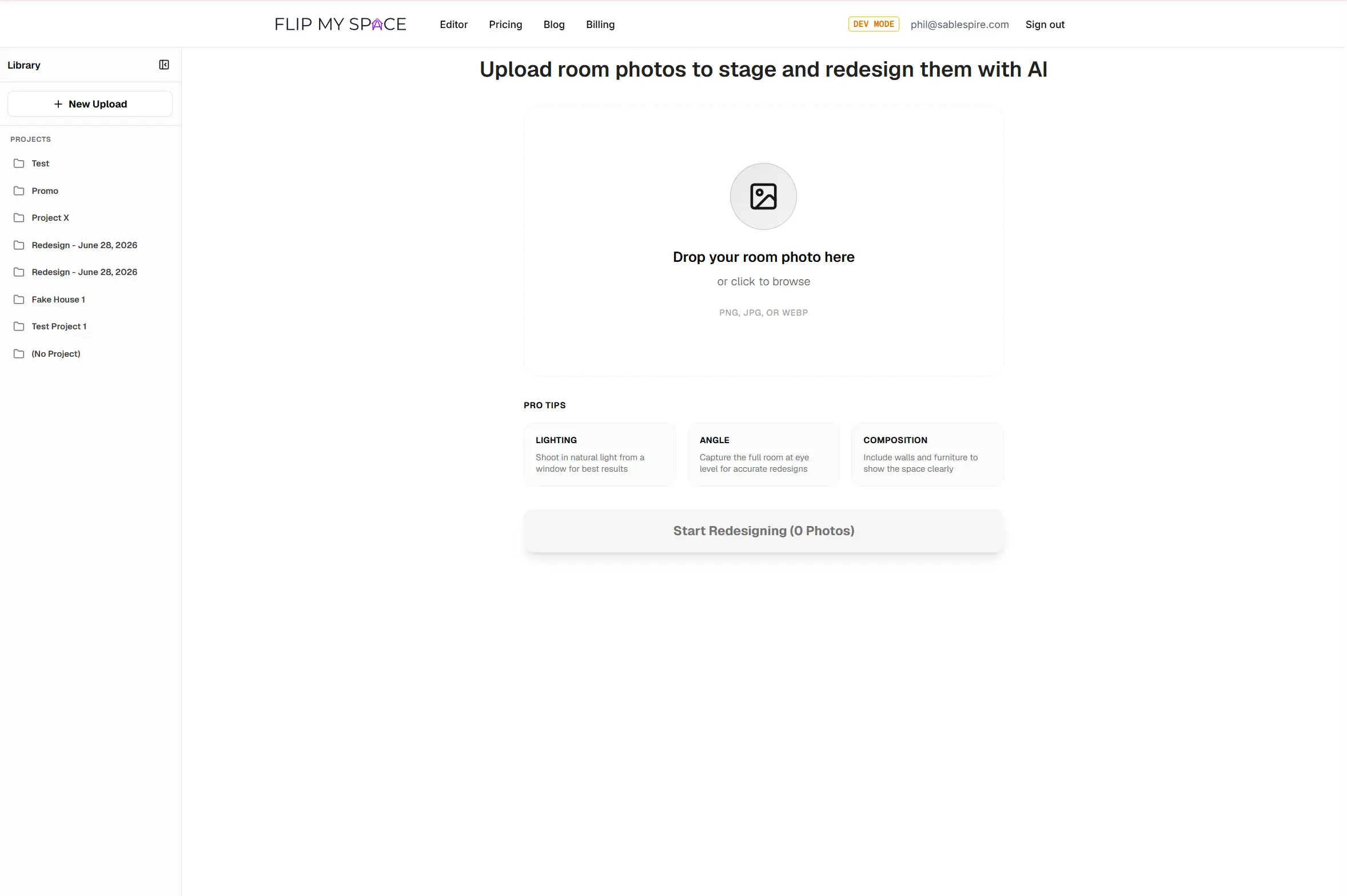
Once you select your files, they're staged and ready for upload. Watch them load in real-time:
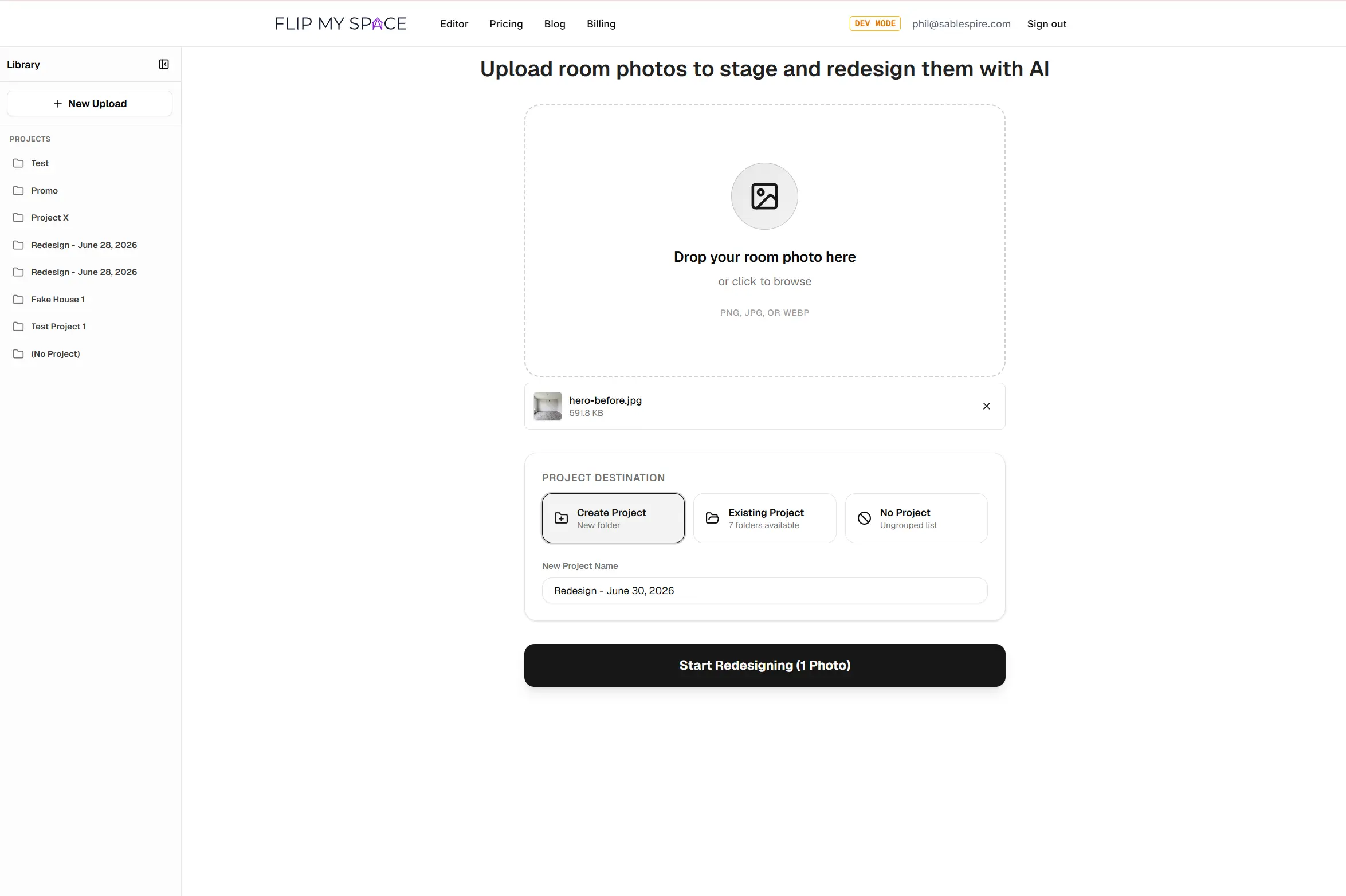
Add more files to the queue as needed to build out your project:
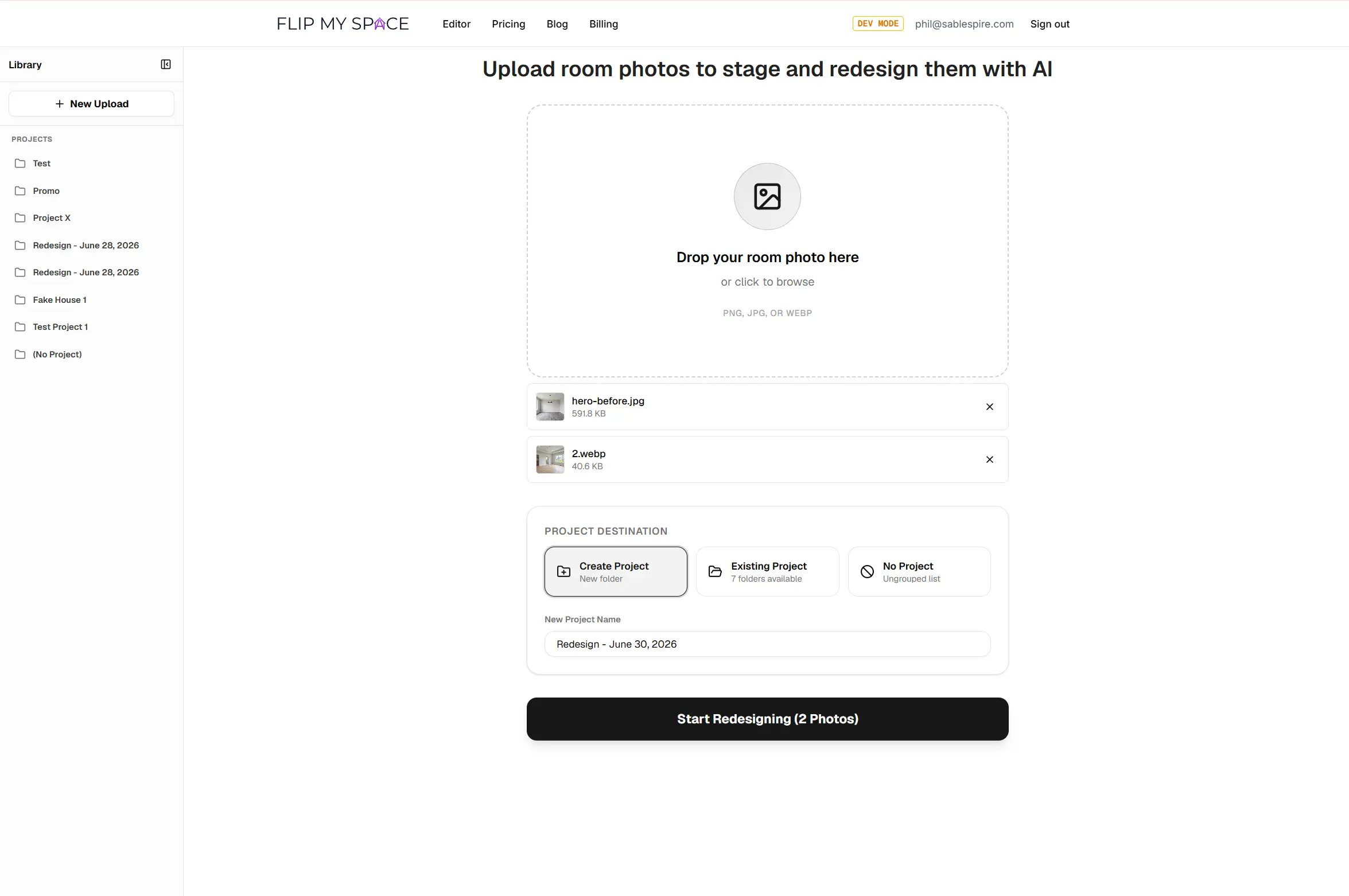
3. Batch Process: Parallel Editing for Huge Speedups
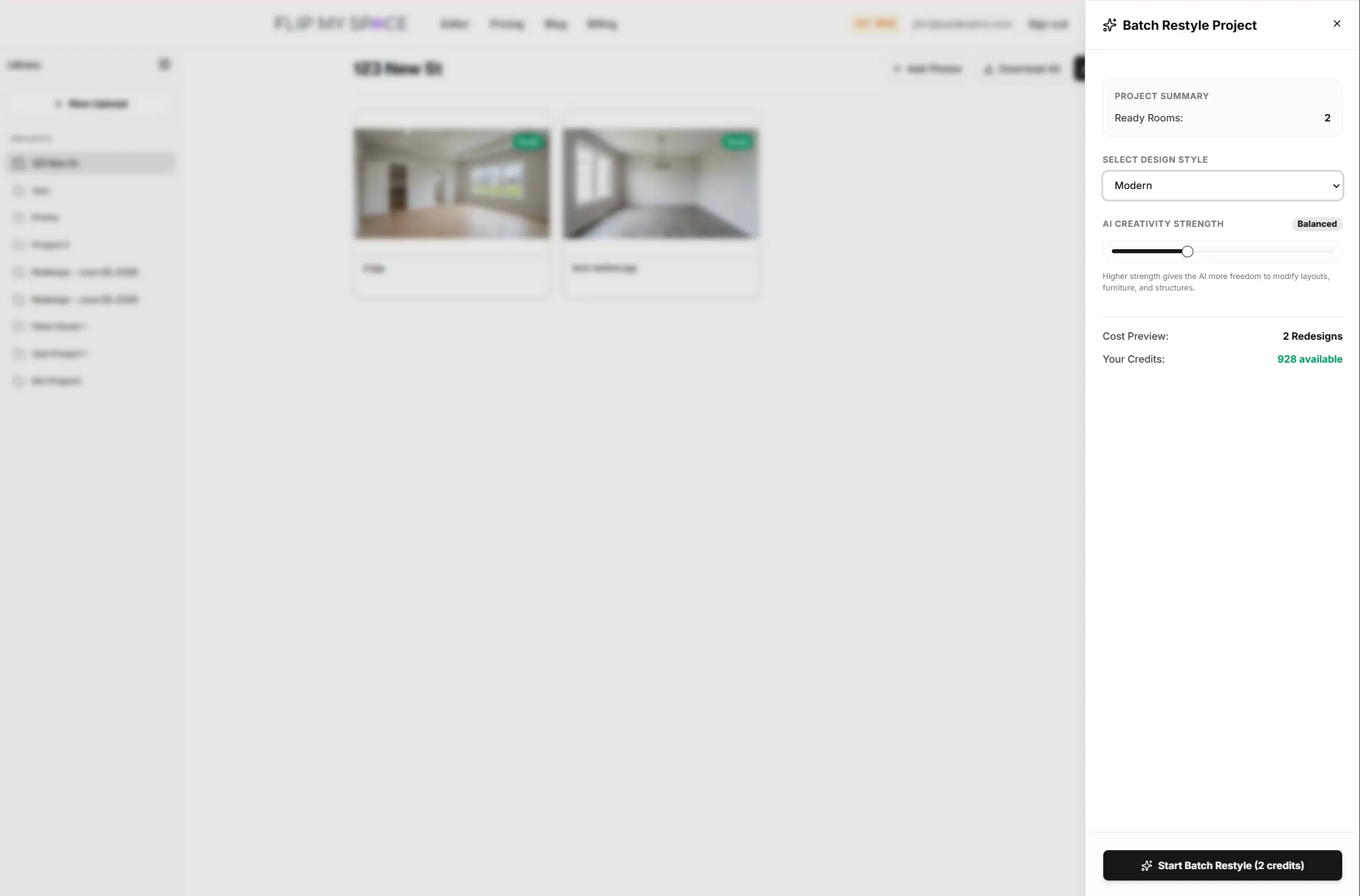
This is the real game-changer. Once your property photos are uploaded, you can batch restyle the entire project at once. Instead of waiting for one render to finish before starting the next, our cloud staging engines process your images in parallel.
Choose your target aesthetic (like Scandinavian, Modern, or Boho) and apply it across all queue files:
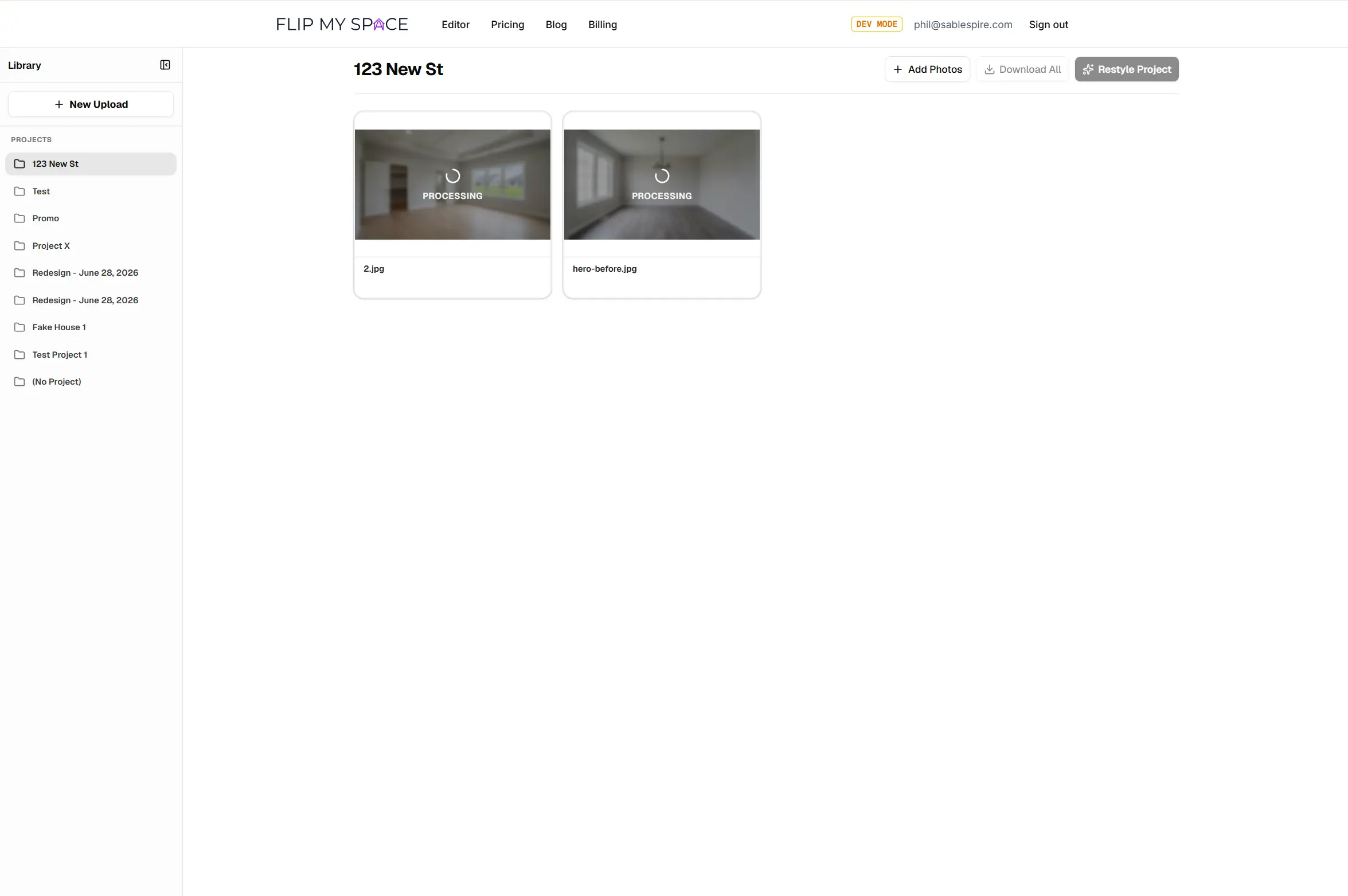
Hit generate and watch your entire project restyle at the same time. The speedup is absolutely massive:
4. Fine-Tune and Polish Individual Images
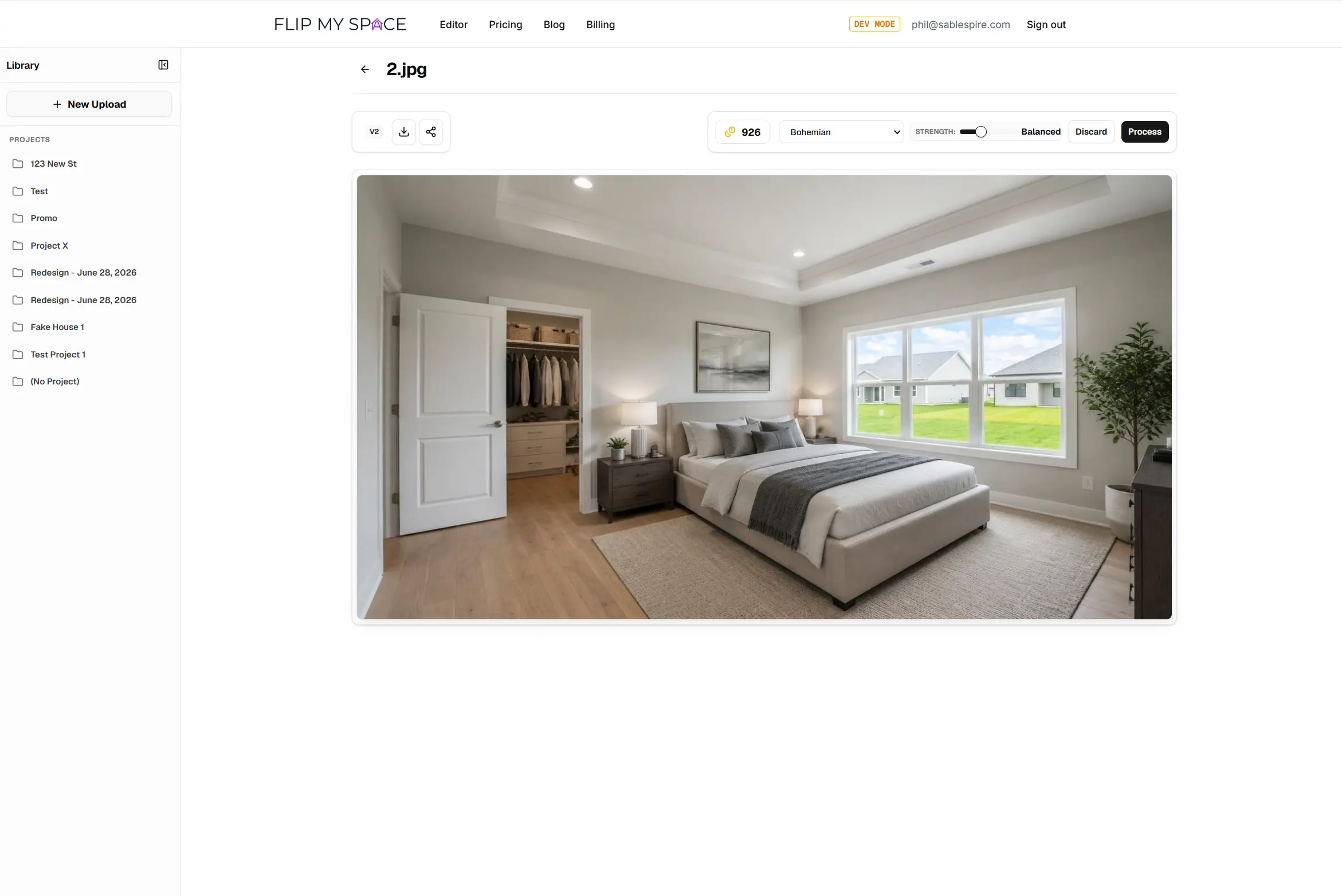
While batch processing does the heavy lifting, you still have total control over individual images. Click on any picture in your project to open it in our high-precision single-image editor.
From here, you can test different strength levels or apply distinct sub-styles to individual rooms:
Powerful Quality of Life Updates
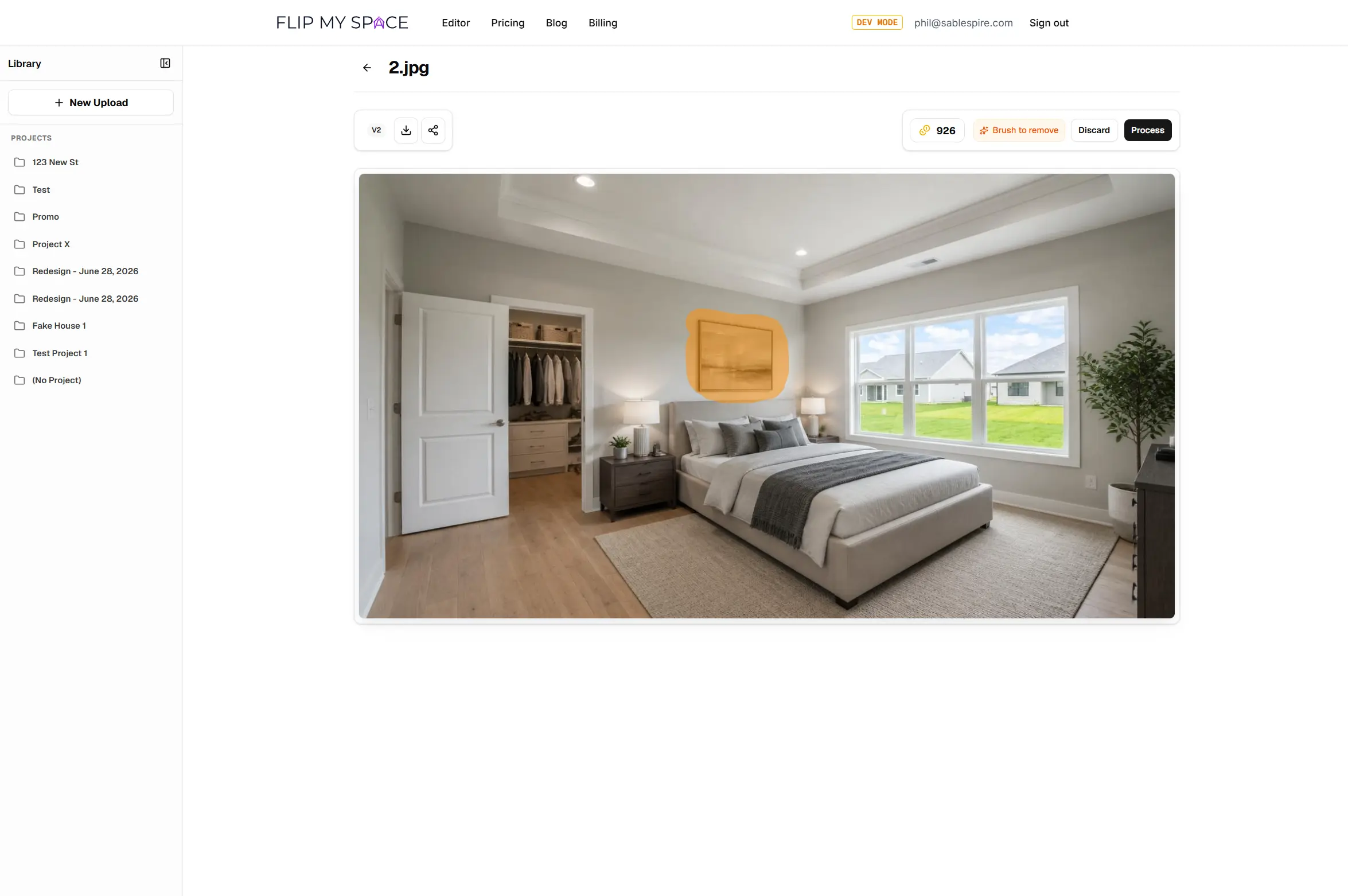
This release also brings fantastic quality-of-life updates to the editor. Use the updated Object Eraser to cleanly wipe away unwanted clutter, dated furniture, or distracting personal items before generating your new design.
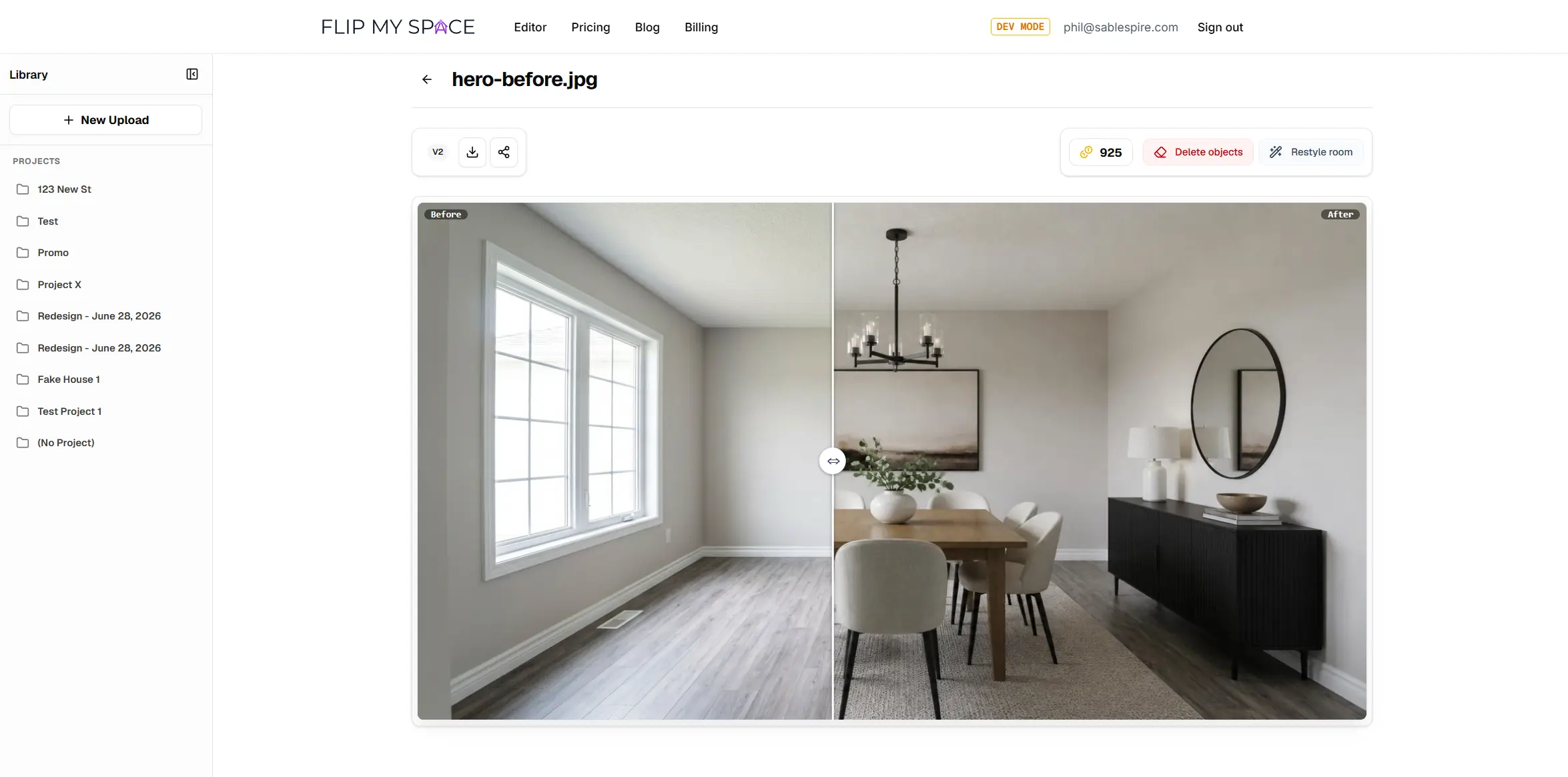
The final results are photorealistic, crisp, and ready to export directly to your listing.
5. Full Mobile Support: Stage Directly on the Go
We know that real estate agents, home stagers, and homeowners are constantly on the move. That is why we have re-engineered our editor from the ground up to offer full mobile support.
You no longer need to wait until you are back at your computer to start staging. Now you can:
- Walk into a property and shoot photos on your phone.
- Upload them directly into a project from your mobile browser.
- Select your styles and stage every room on the spot, showing clients live possibilities in real-time.
It is fast, responsive, and puts the full power of Flip My Space's AI staging engines right in your pocket.
Ready to Experience the New Flip My Space?
The new project workflow, batch upload, parallel processing, and mobile support are available to all users starting today.
Stop staging one image at a time. Head over to the Editor, create your first project, and see how fast you can transform an entire home.