Credits are added to your balance at the start of each billing cycle, on top of whatever you have left. They never expire while your plan is active.
Structure LockStructure Lock keeps the property itself untouched. Walls, windows, doors, floors and the camera angle stay exactly as photographed. Only the furniture and styling change. What you publish is still the house you photographed.
MLS ReadyEvery image comes out at a resolution and aspect ratio that clears the common MLS upload rules, so you can put it straight on the listing without resizing or re-exporting.
Credit usage
One simple cost across every tool
Your monthly credits are shared across the entire editor, so you can use whichever transformation a listing needs.
Your first month of Pro is free
175 credits, no card needed, so you can put a whole listing through before choosing a plan.
Editor actionCostMeasured
AI virtual staging1 creditPer generated edit
Furniture removal1 creditPer generated edit
Photo enhancement1 creditPer generated edit
Wall, weather, season, garden or pool edit1 creditPer generated edit
Transformation tools
More than virtual staging
Every subscription includes the complete FlipMySpace editing toolkit. Use the same credit balance across every transformation.
Twilight conversion
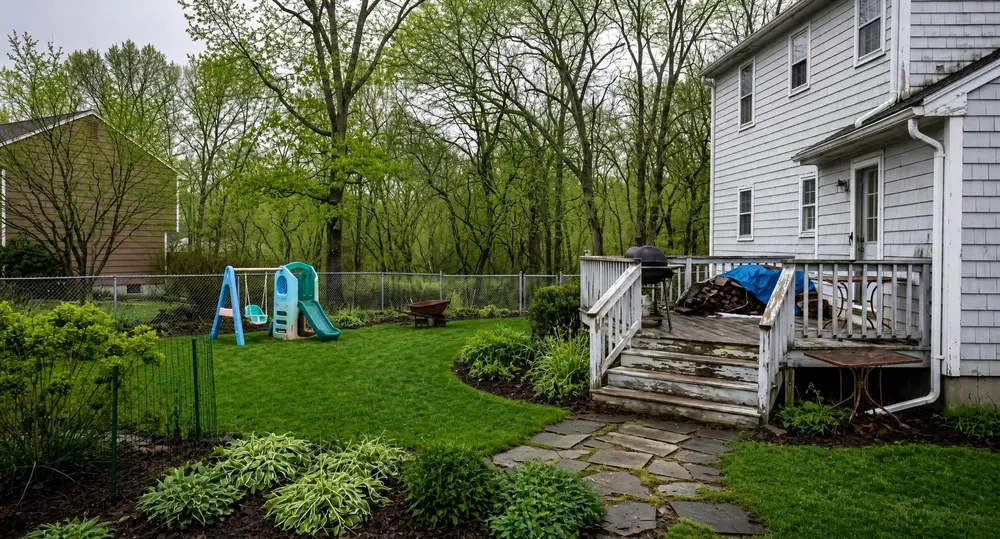
Turn flat daytime exteriors into warm evening listing photography.
Weather control
Replace grey skies and poor conditions with clean, listing-ready weather.
Wall repainting
Show buyers a room in a more marketable colour without scheduling work.
Garden refresh
Improve tired outdoor spaces and help buyers see the property potential.
Season changes
Present a property at its best regardless of when the photo was taken.
Pool enhancement
Fill or clean pool areas to create a more inviting exterior image.
Furniture freedom
Present the same room three different ways
Stage an empty room, clear an occupied space, or change the interior direction without arranging a new photo shoot.
Add furniture
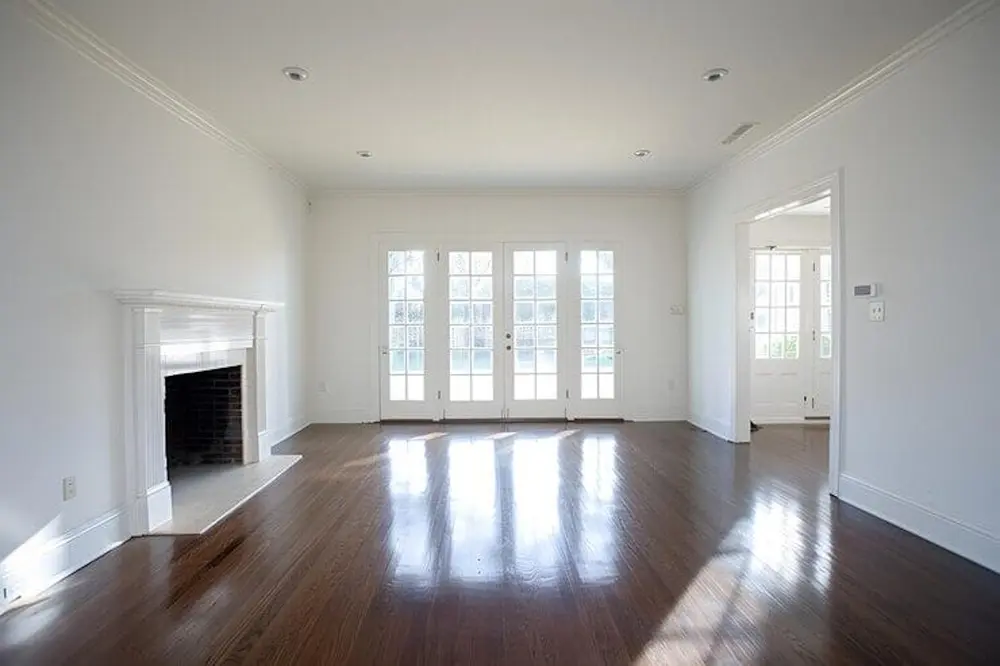
Stage an empty property photo with realistic furniture in a style that suits the listing.
Remove furniture
Clear an occupied room so buyers can focus on the space and imagine their own layout.
Swap the style
Restyle an existing room to show a cleaner, more marketable interior direction.
Plan comparison
Choose the right monthly volume
Included
Starter
Pro
Max
Monthly credits
60
175
350
No watermark
Structure Lock
MLS Ready output
12 editing tools: twilight, weather, wall colour
MLS-spec 2048px downloads
Whole-property staging in one click
Automated room analysis
AI chat edits, in your own words
Version history of every edit
Priority support
Early access to new features
Custom room styles
Unused credits roll over
Workflow for professionals
Built for real listing work
Organize a property, edit a complete photo set, and download the results without piecing together several different tools.
Structure Lock keeps the property itself untouched. Walls, windows, doors, floors and the camera angle stay exactly as photographed. Only the furniture and styling change. What you publish is still the house you photographed.
Are the results MLS ready?
Every image comes out at a resolution and aspect ratio that clears the common MLS upload rules, so you can put it straight on the listing without resizing or re-exporting.
Can I stage a whole property at once?
Yes. Upload every photo of a listing, or a whole folder, and batch edit stages them all in the same style in one click, so the listing looks like one home rather than a set of unrelated rooms.
How do credits work?
Each AI edit uses one credit. Every new account starts with a free month of Pro and 175 credits, and your balance works across virtual staging and every photo editing tool in the FlipMySpace editor.
Can I cancel my subscription anytime?
Yes. You can manage or cancel your subscription from the My Subscription page at any time.
Can I switch plans?
You can manage your subscription from the My Subscription page. Contact support if you need help moving to a different monthly volume.
Do unused credits roll over?
Yes. Unused credits remain in your balance while your plan is active; renewal credits are added rather than replacing your existing balance.
What if I need more credits in a busy month?
You can move to a higher-volume plan, or contact us if your team consistently needs more than the Max plan includes.
Can I use different tools on the same photo?
Yes. Apply as many different tools as you need. Each completed AI edit uses one credit.
Can I get a refund?
Subscription fees and used credits are generally non-refundable. Review the Terms or contact support if you believe there has been a billing error.
Does FlipMySpace work on mobile and desktop?
Yes. The editor and account pages are responsive and can be used from a modern phone, tablet, or desktop browser.
What happens immediately after checkout?
Your credits are added to your account and can be used immediately across the editor.
Still have questions?
Tell us about your listing workflow and we'll help you choose the right plan.